


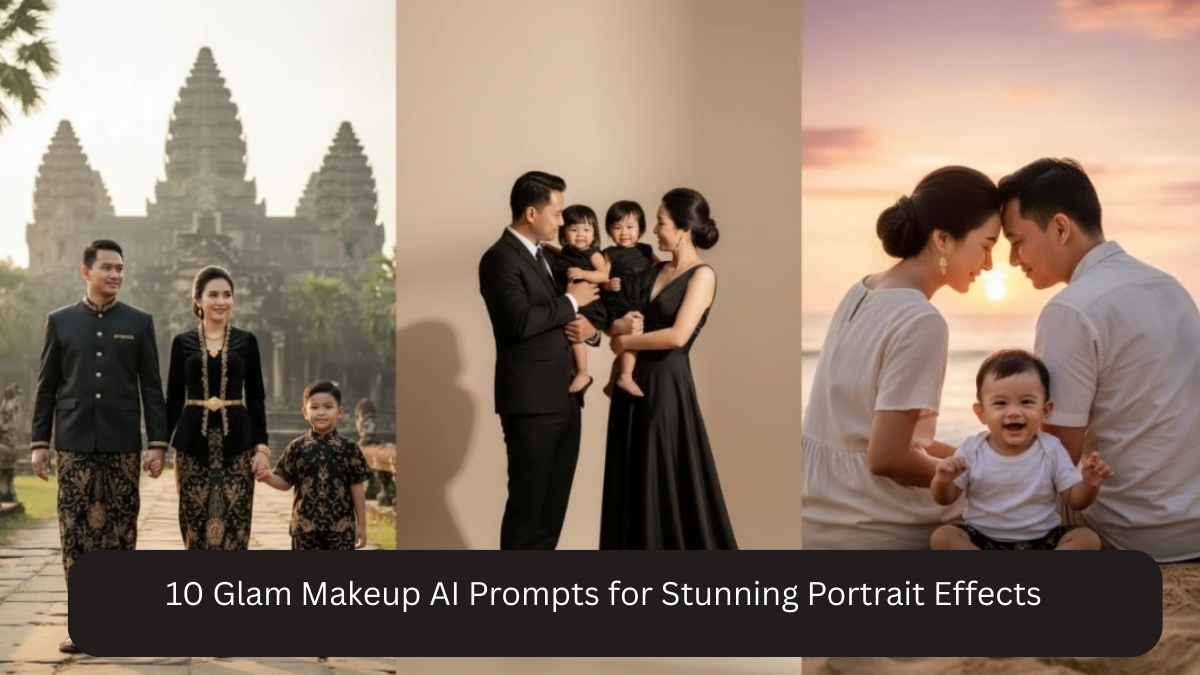
Glam makeup portraits are all about elegance, confidence, and flawless beauty. Whether you want a soft glam look for Instagram, a bold editorial style, or a red-carpet vibe, AI photo editing tools like Google Gemini AI can now create professional, studio-quality glam portraits from ordinary photos.
The secret lies in well-written AI prompts that balance makeup enhancement with realism. Over-editing can make portraits look artificial, so the prompts below are crafted to keep skin texture natural while adding glam makeup details, cinematic lighting, and high resolution.
How to Use Glam Makeup AI Prompts Effectively
- Use a clear photo with good face visibility
- Avoid heavy filters in the original image
- Keep facial expression relaxed or confident
- Mention “natural skin texture” for realism
- Always include high resolution like 4K or 8K
10 Glam Makeup AI Prompts for Stunning Portraits
Prompt 1: Soft Glam Makeup Look
Create a 4K ultra-high resolution glam makeup portrait with soft neutral eyeshadow, subtle eyeliner, natural lashes, glowing skin, nude glossy lips, soft studio lighting, realistic skin texture, and DSLR-style depth of field.

Prompt 2: Bold Glam Makeup Portrait
Transform this photo into a 4K professional glam makeup portrait with bold eye makeup, sharp eyeliner, voluminous lashes, contoured cheeks, matte lips, cinematic lighting, natural skin tones, and high-end DSLR realism.
Prompt 3: Bridal Glam Makeup Look
Generate a 4K ultra-realistic bridal glam portrait with flawless makeup, soft shimmer eyeshadow, defined brows, glowing skin, rosy lips, elegant lighting, natural texture, and professional DSLR photography style.
Prompt 4: Red Carpet Glam Style
Edit this image into a 4K red carpet glam makeup portrait with dramatic eye makeup, sculpted contour, glossy lips, soft spotlight lighting, smooth yet realistic skin texture, and premium cinematic finish.
Prompt 5: Editorial Glam Makeup
Create a 4K high-fashion editorial glam portrait with bold makeup styling, sharp cheek contour, defined lips, dramatic yet soft lighting, clean background, realistic skin detail, and magazine-quality DSLR look.
Prompt 6: Golden Glow Glam Look
Transform this photo into a 4K glowing glam makeup portrait with golden highlights, soft bronzed skin, warm eyeshadow, glossy lips, natural skin texture, soft studio lighting, and DSLR-style realism.
Prompt 7: Night Party Glam Makeup
Generate a 4K night glam makeup portrait with smoky eyes, bold lashes, smooth contour, glossy lips, low-light cinematic mood, natural skin tones, and professional DSLR photography finish.
Prompt 8: Minimal Luxury Glam
Edit this image into a 4K luxury minimal glam portrait with clean makeup, soft blush, natural eyes, glowing skin, subtle lip color, elegant lighting, realistic texture, and premium DSLR clarity.
Prompt 9: Retro Glam Makeup Style
Create a 4K retro glam makeup portrait with classic eyeliner, soft vintage tones, defined lips, subtle film texture, natural skin detail, cinematic lighting, and DSLR-quality realism.
Prompt 10: Studio Glam Beauty Shot
Transform this photo into a 4K professional studio glam beauty portrait with flawless makeup finish, softbox lighting, smooth yet realistic skin texture, sharp facial details, shallow depth of field, and DSLR-level quality.
Why These Glam Makeup Prompts Work
These prompts are effective because they:
- Balance glam makeup with natural skin texture
- Use professional lighting terms for realism
- Avoid over-smoothing or artificial beauty filters
- Include DSLR and high-resolution details
- Work for Instagram, reels, portfolios, and prints
Tips for More Realistic Glam AI Results
- Always include “realistic skin texture”
- Avoid words like “plastic,” “over-smooth,” or “cartoon”
- Use soft lighting for elegant glam
- Keep background clean and minimal
- Experiment with lip and eye makeup colors
Frequently Asked Questions
Q1: Can I use these prompts on mobile photos?
Yes, clear mobile photos work perfectly.
Q2: Will AI change my facial features?
No, if you include “natural” and “realistic” in the prompt.
Q3: Are these good for Instagram and reels?
Yes, 4K quality is ideal for social media.
Q4: Can I customize makeup colors?
Yes, simply add lip or eye color details.
Q5: Are these prompts suitable for professional use?
Absolutely, especially for beauty, fashion, and personal branding.
Conclusion
Glam makeup portraits should feel luxurious, confident, and realistic, not over-edited. With the right AI prompts, Google Gemini AI can deliver studio-quality glam portraits that highlight beauty while preserving natural skin texture.
These 10 copy-paste glam makeup AI prompts are perfect for creating stunning portraits for Instagram, portfolios, beauty pages, and personal branding. By combining professional lighting, makeup detail, and high resolution, you can achieve flawless glam results without a makeup artist or studio shoot.